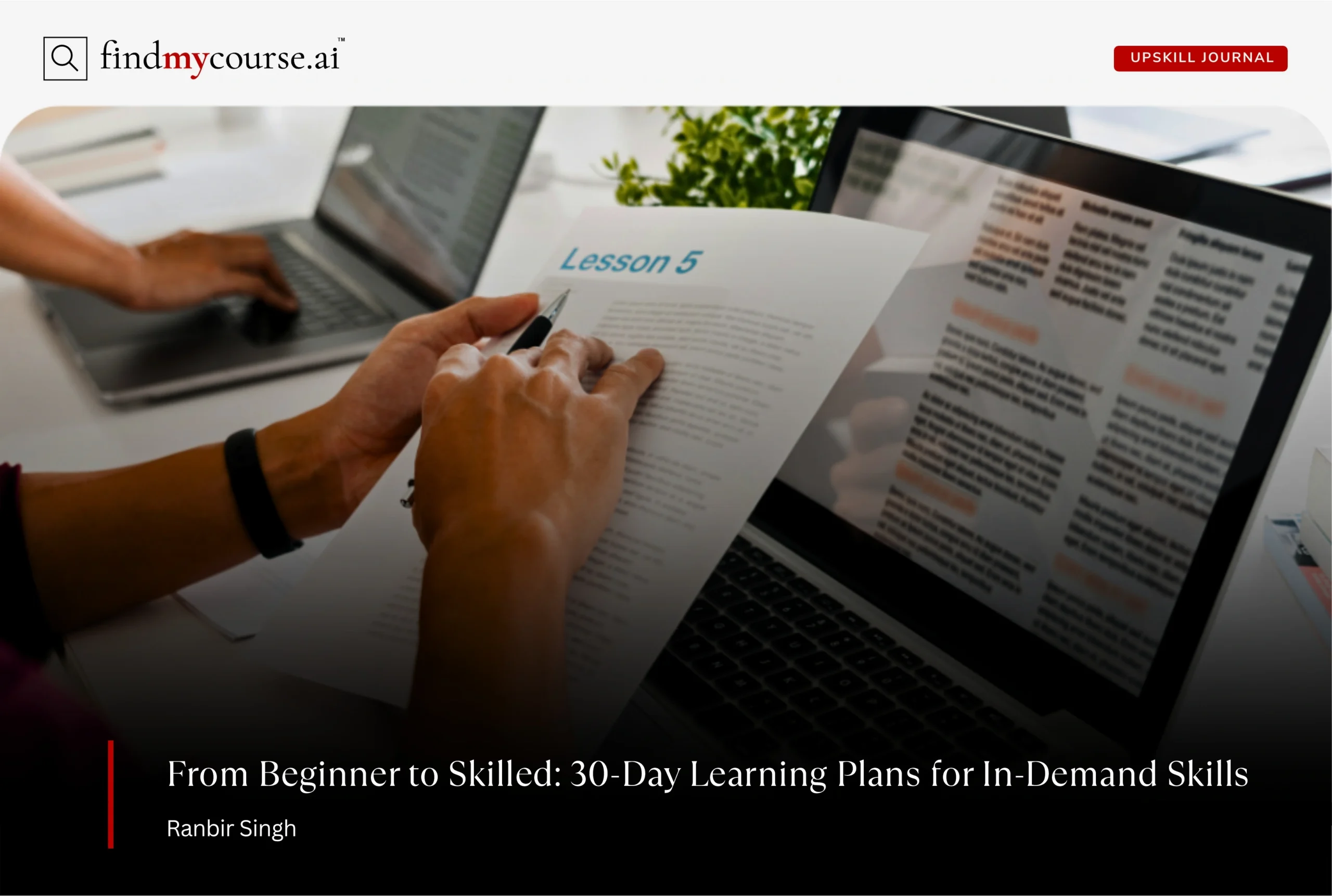
Most people don’t fail at learning because they lack motivation.
They fail because they don’t have a learning plan.
When you’re juggling work, life, and about six half-finished online courses, starting something new can feel impossible. That’s why a 30-day learning plan is so powerful: it shrinks the mountain into something you can climb one step at a time.
The goal isn’t mastery—it’s momentum. Give yourself a month, and you can build enough foundation to keep going confidently.
Below are four simple, realistic, and genuinely useful 30-day plans for skills that are in demand right now: Python, Data Analysis, UX Design, and AI Basics. Each learning plan includes a weekly breakdown and also 1–2 thoughtful course suggestions (not a firehose of links).
Let’s get into it.
Why 30-Day Learning Plan Work (Even If You’re Busy)
1. They’re short enough to start immediately
A month feels manageable. You don’t need to rearrange your life—just commit to 20–45 minutes a day.
2. They give you structure without suffocating you
Daily progress + weekly milestones = clarity. You always know what’s next.
3. They push you to build, not just watch videos
Each plan ends with a small project. Nothing fancy—just something you can point to and say, “I made that.”
4. They help you build confidence fast
Progress compounds. Small wins → bigger goals → long-term skill growth.
If you’ve been thinking about learning something new, consider this your sign to start.
30-Day Plan #1: Learn Python
Perfect for: beginners, career switchers, or anyone wanting a “gateway skill.”
Daily time: 30–45 minutes
Outcome: You’ll be able to write basic scripts, work with data, and also learn to build a small project.
| Week | Focus | What to Do | Course Recommendation |
| Week 1 — Foundations | Learn Python basics: variables, loops, conditionals, and core syntax. | • Install Python + VS Code • Write a few tiny scripts • Solve 5–10 beginner problems | Python for Everybody (Coursera) |
| Week 2 — Functions & Data | Understand functions, lists, dictionaries, and basic file handling. | • Build small utilities (like a mini calculator) • Practice reading/writing files • Try simple HackerRank challenges | Codecademy: Learn Python 3 |
| Week 3 — Practical Python | Apply Python to useful, real-life tasks. | • Learn basic pandas • Create a chart using matplotlib • Automate one boring task on your laptop | Python for Data Analysis (freeCodeCamp) |
| Week 4 — Mini Project | Build a small project to showcase your progress. | • Expense tracker • Habit tracker • Small data dashboard • Simple web scraper | N/A |
By Day 30: Upload your finished project to GitHub to showcase your work.
Want a custom Python learning path? Try FindMyCourse.ai.
30-Day Plan #2: Learn Data Analysis
Perfect for: people exploring tech roles without coding-heavy work.
Daily time: 45–60 minutes
Outcome: You’ll be able to clean data, analyze it, visualize it, and present insights.
| Week | Focus | What to Do | Course Recommendation |
| Week 1 — Understand the Data Workflow | Learn what analysts actually do and how raw data becomes insights. | • Study the data-to-insight pipeline • Explore datasets on Kaggle • Practice spreadsheet fundamentals | First modules of the Google Data Analytics Certificate |
| Week 2 — Spreadsheets + SQL Basics | Build core skills every analyst relies on daily. | • Clean messy data • Create pivot tables • Learn SELECT, WHERE, JOIN • Analyze a small dataset | • Mode SQL Tutorial • Excel to Advanced (Coursera) |
| Week 3 — Python for Data | Add optional but highly valuable Python skills. | • Use pandas for data manipulation • Build simple charts • Explore real datasets | Python Data Analysis (freeCodeCamp) |
| Week 4 — Final Mini Project | Put everything together with a practical analysis project. | • Analyze Netflix data • Explore public health or finance datasets • Visualize your personal spending | N/A |
Final Deliverable: Create a concise 2–3 page insights summary highlighting key findings and visuals.
Want a personalized data analysis plan? Try FindMyCourse.ai.
30-Day Plan #3: Learn UX Design
Perfect for: creatives shifting into tech, aspiring designers, product-minded thinkers.
Daily time: 30–60 minutes
Outcome: A simple UX case study you can put in a beginner portfolio.
| Week | Focus | What to Do | Course Recommendation |
| Week 1 — UX Fundamentals | Learn usability, accessibility, and the principles of user-centered design. | • Analyze your favorite apps • Do 3–5 quick UX critiques • Study core design principles | Google UX Design Certificate — Foundations |
| Week 2 — Research + User Flow Basics | Understand how designers break down problems and map user experiences. | • Build 1–2 personas • Create a simple user journey • Sketch basic user flows | CareerFoundry UX Short Course |
| Week 3 — Wireframing + Prototyping with Figma | Turn ideas into clear, testable visuals using Figma. | • Sketch multiple layout ideas • Build mid-fidelity wireframes • Create a clickable prototype | Figma for Beginners (YouTube) |
| Week 4 — Create a Mini Case Study | Apply everything you’ve learned to a small, practical UX project. | • Redesign a sign-up flow • Improve a “forgot password” screen • Fix a frustrating feature in an app you use | N/A |
Final Deliverable: Create a simple case study outlining the problem and design process along with final prototype.
Want a UX plan tailored to your background? Try FindMyCourse.ai.
30-Day Plan #4: Learn AI Basics
Perfect for: curious beginners, non-technical professionals, creators.
Daily time: 20–40 minutes
Outcome: You’ll understand how AI works, where it’s useful, and also how to build AI workflows.
| Week | Focus | What to Do | Course Recommendation |
| Week 1 — AI 101 | Understand what AI really is and cut through the hype. | • Learn core terminology • Practice simple prompting exercises • Experiment with 2–3 AI tools | Elements of AI (Free) |
| Week 2 — AI for Productivity | Use AI to speed up your writing, research, and daily workflows. | • Build reusable writing templates • Automate routine tasks • Use AI for research and brainstorming | DeepLearning.AI Prompt Engineering |
| Week 3 — Behind the Curtain (Light Technical) | Build intuitive, non-technical understanding of how AI works. | • Learn how models are trained • Understand datasets and evaluation • Explore no-code tools like Notion AI, Runway ML, and Canva AI | AI for Everyone (Coursera) |
| Week 4 — Build Your AI Toolkit | Create a personalized AI system you’ll actually use every day. | • Design your content workflow • Build a research workflow • Set up your personal automation stack | N/A |
Final Deliverable: Create a one-page “AI playbook” outlining your workflows and also mention essential tools.
Want an AI learning plan built around your goals? Try FindMyCourse.ai.
Final Thoughts
Learning a new skill doesn’t require a huge time investment—it requires a clear path.
These 30-day plans are meant to remove the guesswork so you can focus on learning—not deciding. So, whether you’re learning Python, diving into data, exploring UX, or understanding AI, a month is enough to build real momentum.
Pick one. Start today. Let momentum do the rest.
And if you want a custom learning plan created for your exact goals, check out FindMyCourse.ai.

One thought on “Practical 30-Day Learning Plans for Today’s Most In-Demand Skills”
Comments are closed.